
Is Your Cell Phone Tracking You? What Every Boomer Needs to Know
Your location is valuable — to your family, to corporations, and to advertisers. Here’s how to take back control.
You’re browsing for a new set of golf clubs online, and two hours later you drive past a sporting goods store and suddenly your phone starts buzzing with discount coupons. Coincidence? Not quite.
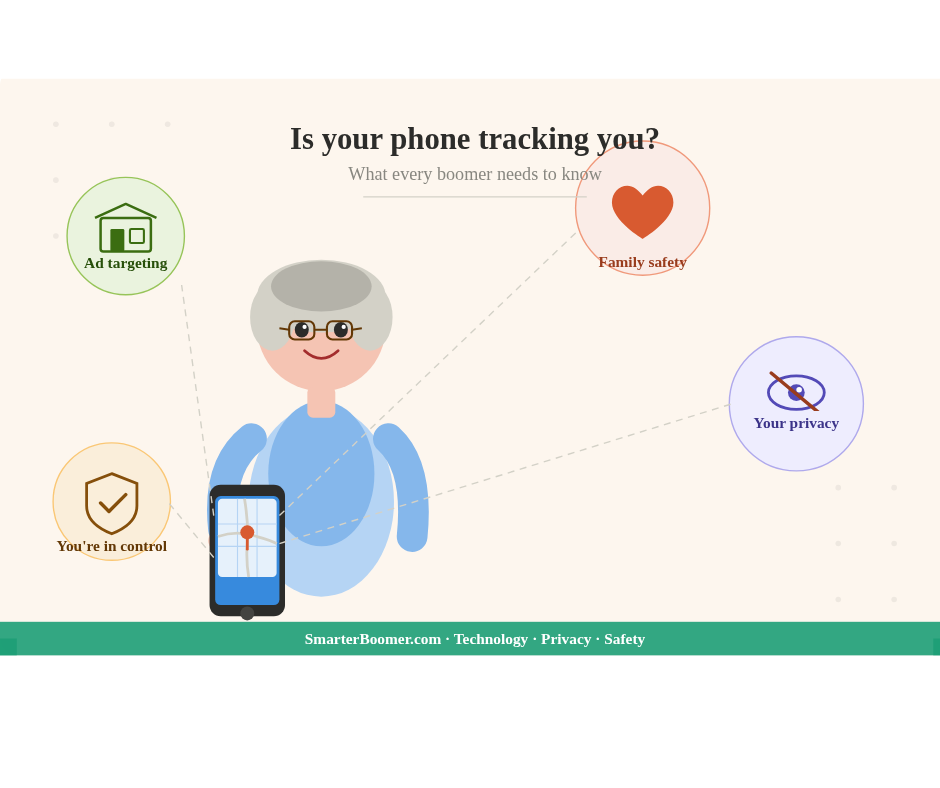
Or maybe your daughter keeps texting you, “Did you make it to the doctor okay, Mom?” before you’ve even had a chance to call her — because she already knows you arrived. She’s watching your blue dot move across a map in real time.
Welcome to the age of location tracking. Your smartphone knows exactly where you are, where you’ve been, and in many cases, where you’re headed next. For Baby Boomers — a generation that grew up with phone booths and paper maps — this can feel unsettling, empowering, or just plain confusing. Often, it’s all three at once.
This guide will walk you through everything you need to know: what tracking is, who’s doing it, how to turn it on or off, and whether you should actually want it running in the first place.
First Things First: Is Tracking Already On?
Short answer? Almost certainly yes — at least in some form.
According to Pew Research Center, a majority of Americans feel they have very little control over the data collected about them by companies and the government. And yet most of us walk around with a powerful tracking device in our pockets 24 hours a day.
When you set up your smartphone, you likely tapped “Allow” on a dozen permission screens without reading them. Location access was almost certainly one of them. Apps ranging from the Weather Channel to Facebook to Google Maps may be quietly logging your whereabouts every few minutes — even when you’re not using them.
“Most people are shocked to find out how many apps have access to their location,” says cybersecurity expert and author Bruce Schneier, who has written extensively on privacy. “The permissions are buried in settings menus that nobody reads.”
The good news: you can find out exactly what’s running and turn it off. We’ll show you how.
What Is Location Tracking, Exactly?
Your phone determines your location using a combination of:
- GPS satellites — the most precise method, accurate to within a few feet
- Wi-Fi signals — your phone detects nearby networks and uses them to triangulate position
- Cell towers — your carrier always knows which tower your phone is communicating with
- Bluetooth beacons — used heavily in retail stores and airports
According to the Electronic Frontier Foundation (EFF), even when GPS is turned off, your phone can still be tracked through Wi-Fi and cell tower data. True invisibility is nearly impossible without turning your phone off entirely — but you can dramatically reduce your exposure.
Are Companies Using Your Location to Market to You?
Oh yes. And it’s more sophisticated than most people realize.
This practice is called geofencing — a digital boundary set up around a physical location. When your phone crosses that boundary, it can trigger targeted ads, notifications, or data collection.
According to eMarketer, the location-based advertising market in the U.S. is worth over $32 billion annually and growing. Retailers, restaurants, healthcare providers, and financial institutions all use geofencing to reach customers at precisely the moment they’re near a competitor or a point of interest.
Here’s a real-world example: You walk into a Target. A data broker — a company you’ve never heard of — already sold your anonymized location profile to a dozen advertisers. They know you visit Target regularly. When you walk past a Walmart the next day, you might start seeing Walmart ads on your phone within hours.
“Consumers are largely unaware of the extent to which their location data is being bought, sold, and used,” according to a Federal Trade Commission report on mobile security. “This data can reveal sensitive information including health conditions, political and religious beliefs, and personal relationships.”
That’s not paranoia. That’s the market working exactly as designed.
Privacy Concerns: What Are the Real Risks?
Location data feels abstract until it isn’t. Consider these real-world privacy implications:
1. Data Brokers Sell Your Profile Companies like Acxiom and Spokeo aggregate location data and sell it. Your daily routine — gym at 7am, doctor on Tuesdays, casino on weekends — is someone’s product.
2. Stalking and Abuse Domestic violence organizations have raised serious concerns about location-sharing being used as a tool of control. According to the National Domestic Violence Hotline, abusers increasingly use location apps to monitor victims.
3. Insurance and Financial Discrimination There are documented cases of insurers using aggregated location data — visiting fast food restaurants frequently, for instance — as part of risk profiles.
4. Government Access According to The New York Times, law enforcement agencies have purchased location data from data brokers as an end-run around warrant requirements. The legality of this practice is still being tested in courts.
5. Hacking If a company storing your location history is breached, that data can end up in criminal hands.
Should You Let Your Adult Child Track You?
This is a question more Boomers are wrestling with — and the answer is genuinely nuanced.
The Case For It
Many Boomers live alone, manage chronic health conditions, or simply have adult children who worry. Location sharing can provide genuine peace of mind for everyone involved.
Apps like Life360, Apple’s Find My, and Google’s Find My Device make it easy for family members to see each other’s location with mutual consent. Unlike being “tracked,” this is shared — you can see your kids too.
“When my husband had his cardiac event last year, my daughter knew exactly which hospital to go to before I even called,” one reader told us. “She saw my location stop moving in a parking lot and called 911. It saved his life.”
Benefits of family location sharing include:
- Peace of mind for adult children with aging parents
- Help in emergencies when you can’t make a call
- Avoiding repetitive “Did you get there okay?” texts
- Useful for couples keeping casual tabs on each other
The Case Against It
Autonomy and dignity matter. There’s something fundamentally uncomfortable about a grown adult having their every movement monitored by their children — even loving, well-intentioned ones.
Psychologists note that the parent-child dynamic can become complicated when adult children have oversight tools typically used for teenagers. “There’s a fine line between caring and controlling,” says Dr. Sara Gerson, a family therapist quoted in AARP’s coverage of family tracking apps. “Adult children need to examine their motivations honestly, and parents need to feel genuinely free to say no.”
Other valid concerns:
- It can feel infantilizing
- It can increase anxiety rather than reduce it (for both parties)
- It creates a false sense of security — a location dot doesn’t tell you someone is okay
- It normalizes surveillance within families
The bottom line: This decision belongs to you. It should be mutual, consensual, and revisited regularly. If your child asks to share locations, have an honest conversation about boundaries — including your right to pause or turn it off anytime.
How to Control Location Tracking on Your iPhone
Apple gives you fairly robust controls. Here’s how to use them.
Check Which Apps Have Location Access
- Open Settings
- Tap Privacy & Security
- Tap Location Services
- You’ll see every app and its current permission level
Change an App’s Permission
On the same screen, tap any app and choose:
- Never — the app can never see your location
- Ask Next Time — it will ask each time
- While Using the App — only when you’re actively in it
- Always — even when running in the background (be cautious with this one)
Turn Off Location Services Entirely
- Go to Settings > Privacy & Security > Location Services
- Toggle the switch at the top to Off
Note: This will disable Maps navigation too, so you’ll need to re-enable it when driving.
Share Location with Family (Find My)
- Open the Find My app
- Tap People
- Tap Share My Location
- Choose a contact and how long to share
Stop Sharing Your Location
- Open Find My
- Tap your name at the top
- Toggle Share My Location off
How to Control Location Tracking on Android
Android controls vary slightly by manufacturer (Samsung, Google Pixel, etc.), but here’s the standard process.
Check Which Apps Have Location Access
- Open Settings
- Tap Location
- Tap App permissions
- Review the list — apps are grouped by permission level
Change an App’s Permission
- Tap the app name
- Choose from:
- Allow all the time
- Allow only while using the app
- Ask every time
- Don’t allow
Turn Off Location Entirely
- Go to Settings > Location
- Toggle Use Location to Off
Share Location via Google (Find My Device / Google Maps)
- Open Google Maps
- Tap your profile picture (top right)
- Tap Location sharing
- Tap New Share, choose a contact and duration
Stop Sharing in Google Maps
- Return to Google Maps > Profile > Location Sharing
- Tap the person you’re sharing with
- Tap Stop
Quick Reference: Reasons to Turn Tracking ON vs. OFF
| Reasons to Keep It ON | Reasons to Turn It OFF |
|---|---|
| Family safety & emergency response | Prevent companies from building a profile on you |
| Navigation apps work fully | Reduce targeted/intrusive advertising |
| Find your phone if it’s lost | Protect against data brokers selling your habits |
| Mutual location sharing with family | Protect against stalking or unwanted monitoring |
| Useful travel and local features | Reduce battery drain |
| Peace of mind for loved ones | Preserve your sense of privacy and autonomy |
Smart Middle-Ground Tips for Boomers
You don’t have to choose all-or-nothing. Here’s a sensible approach:
- Audit your apps. Go through your location permissions right now. You’ll almost certainly find apps that have no business knowing where you are.
- Use “While Using” instead of “Always.” For most apps, this is the sweet spot — they get location when you need them, but not when you don’t.
- Consider a family sharing arrangement with clear rules. If you’re open to sharing location with family, decide together: who can see it, when, and under what circumstances they should act on it.
- Turn off advertising tracking separately. On iPhone, go to Settings > Privacy & Security > Tracking and turn off “Allow Apps to Request to Track.” On Android, go to Settings > Privacy > Ads and opt out of ad personalization.
- Review app permissions periodically. Every few months, revisit your location settings. Apps update and sometimes reset permissions.
The Bottom Line
Your phone is, in many ways, the most intimate device ever invented. It knows your daily routine, your health patterns, your social connections, and your political interests — and location data ties all of it to a physical place and time.
For Boomers especially, this is worth paying attention to. You didn’t grow up assuming your movements were being logged, and you shouldn’t have to accept it passively now. But location technology also offers real, meaningful benefits — including keeping you connected to the people who love you.
The goal isn’t to be paranoid. It’s to be informed. Now that you know what’s running in the background, you’re in charge. And that’s exactly where you should be.
Have you talked to your adult kids about location sharing? Share your experience in the comments below — we’d love to hear how your family handles it.
Related Reading:
- How to Spot a Phone Scam Before It Spots You
- The Boomer’s Guide to iPhone Settings You Should Actually Use
- Social Media and Your Privacy: What Facebook Isn’t Telling You
Sources referenced in this article include Pew Research Center, the Electronic Frontier Foundation, the Federal Trade Commission, AARP, and the National Domestic Violence Hotline.